
Go from LinkedIn to website in a few minutes
Turn your LinkedIn profile into a personal website. Sign up, paste your URL and we'll build your site from what you've already written. Publish it free at yourname.linkdfolio.com.


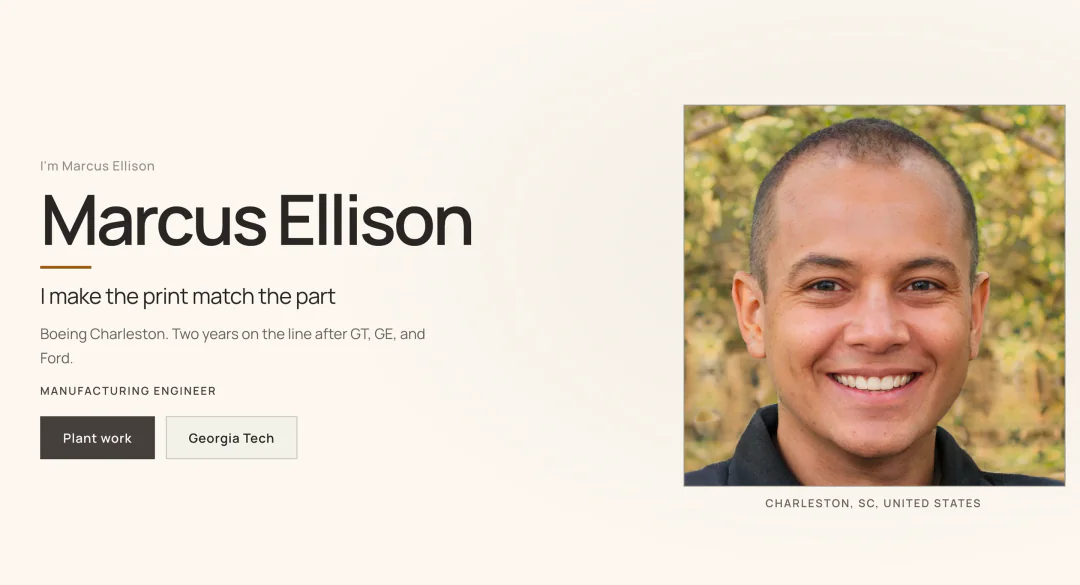
Marcus Ellison
Manufacturing engineer at Boeing
Charleston, SC
About
Second year on the 787 line in Charleston. I own a slice of the build and the paperwork that has to match it.
Experience
Manufacturing Engineer, Boeing
Hold the work instructions for a fuselage join so the floor and the MES screen say the same thing.
Manufacturing Engineering Intern, GE Aerospace
marcus-ellison.linkdfolio.com
 Live
From LinkedIn to live site in three steps
Paste your LinkedIn URL
Once you've signed up, that's all we need.
We build your site
We turn your LinkedIn profile into a website, written from what you've really done.
Customize and publish
Pick your colors, fonts and layout, then publish. It's free.
Make your site feel like you, then share it
Pick your own colors, fonts and layouts, then add one link to your LinkedIn and every application.
Make it look like you. Colors, fonts and layouts, all yours. Not a template.
Make it look like you. Colors, fonts and layouts, all yours. Not a template.
“LinkdFolio made it easy to turn my LinkedIn into something I’d actually put on a resume. Recruiters started asking about the site before they asked about my GPA.”
yourname.linkdfolio.com
Hi, I'mElena Vasquez
CS student with a passion for building and shipping real solutions
I spend most nights prototyping side projects, learning systems design, and figuring out how good software actually gets into people's hands.
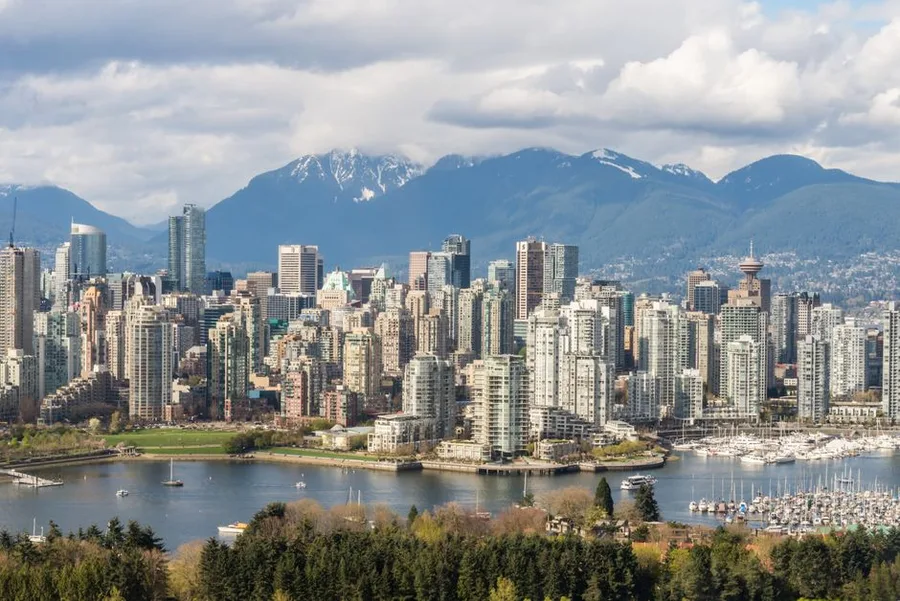
Vancouver, BC

SWE student · UBC
Curious by Default, Builder by Habit
I'm an undergrad at UBC who learns fastest when there's something concrete to ship. Coursework teaches the theory; personal projects are where I stress-test it.
When I'm not in labs or debugging TypeScript, I'm usually rewriting a README so future-me (or a teammate) can pick things up without guessing.
Personalize
“LinkdFolio made it easy to turn my LinkedIn into something I’d actually put on a resume. Recruiters started asking about the site before they asked about my GPA.”
A look for every kind of career
72,219,288,960possible combinations
Applying for jobs? We can help with that too
Get a resume and cover letter tailored to each job post, ready for you to check and send.
 Tailored to Tesla
Common questions
Questions about anything? Email us at support@linkdfolio.com.
Is this LinkedIn to website converter free?
Yes. You can build your site, publish it at yourname.linkdfolio.com and keep it live for free, with no credit card.
How do I turn my LinkedIn profile into a website?
Sign up and paste your LinkedIn URL. We'll build your site from your profile, you can change anything you like, and then you publish it at yourname.linkdfolio.com.
Can I use this as a LinkedIn portfolio?
Yes. Your site shows your experience and projects in one place, and you can add the link to your LinkedIn profile.
What does it use from my LinkedIn?
Your headline, about section, experience, education and skills. We use them to write your site, and you can change any of it before you publish. If your LinkedIn is private, upload a resume instead and we'll work from that.
Does it change my LinkedIn?
No. We only read your public profile. Your LinkedIn stays exactly as it is, and your site is a separate page you can link to from it.
What's the difference between my LinkedIn and a website?
Your LinkedIn looks like everyone else's, sits next to other people's profiles and is built for networking. Your site is yours alone: your colors, your layout and one link to share on every application.
Can I change my site after I publish it?
Yes. Change your words, colors, fonts and layouts whenever you like, then publish again. Your link stays the same.
Your LinkedIn is ready to be a website
Sign up, paste your LinkedIn and we'll build your site from it. It's free to publish, with no credit card.