Linkdfolio Team
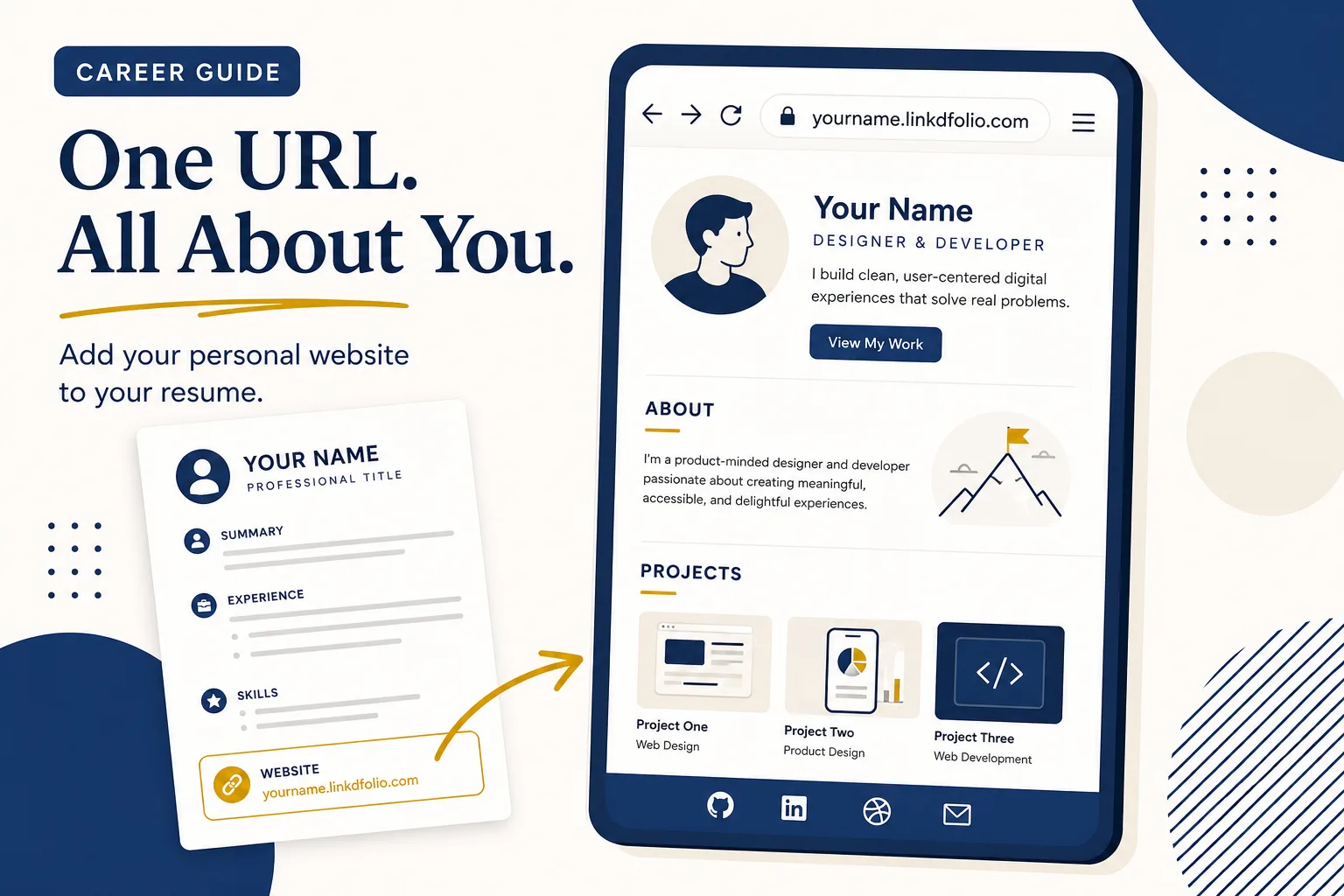
Should you put a personal website on your resume? For most active job seekers and students: yes — if the site is live, loads on mobile, and matches the story on your PDF. A clean URL in the header turns a skimmed application into a click recruiters can forward.
This guide covers when a personal website on resume applications helps, when to skip it, how to label the link, examples by role, and how to publish a resume-ready URL from LinkedIn in minutes with Linkdfolio. For the ATS-focused formatting playbook (portfolio-link wording, hyperlink pitfalls), see how to add a portfolio link to your resume. If you still need the full job-seeker case for having a site at all, start with personal website for job seekers.
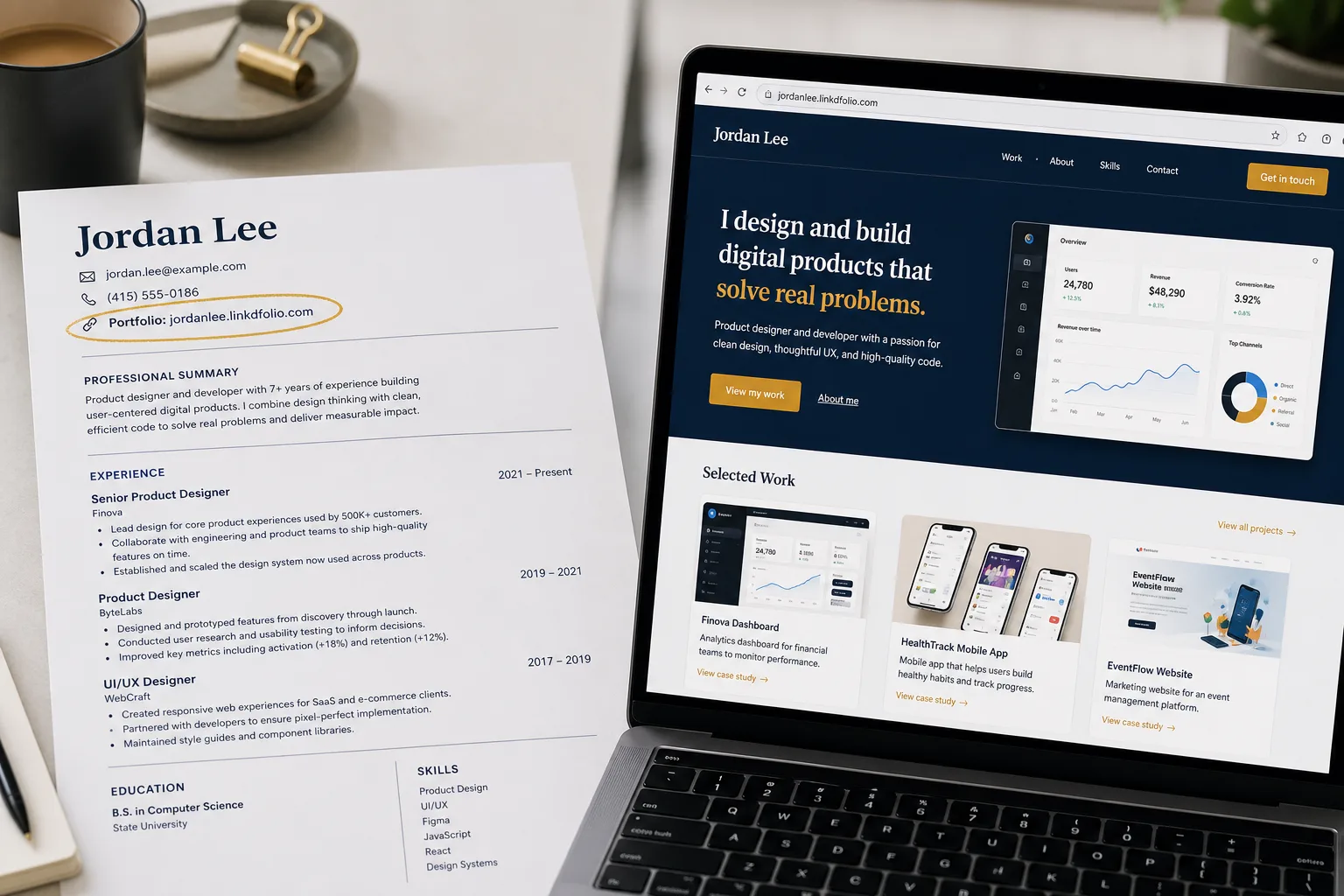
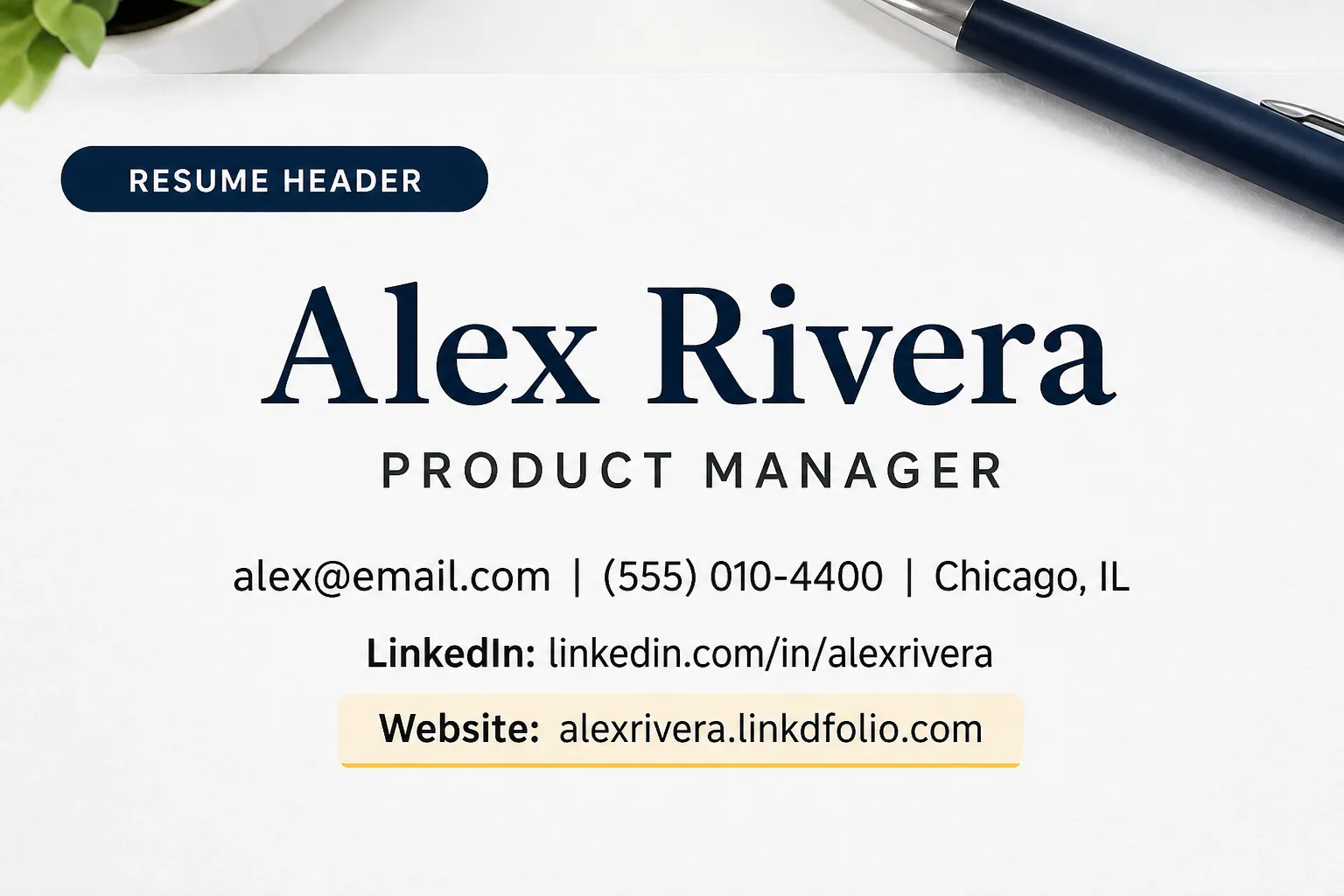
Quick answer: Add Website: yourname.linkdfolio.com (or Portfolio:) in your resume header next to email and LinkedIn. Use a live personal site — not Drive, not an unfinished Notion page. Keep LinkedIn as its own line. Mirror the same URL on LinkedIn Featured and Contact info.
Need the URL first? Publish a website for your resume with the portfolio website builder — paste LinkedIn, go live, then place the link on the PDF.
Why put a personal website on your resume?
Recruiters skim PDFs — then they want proof
Your resume lists bullets. A website on your resume is the one-click proof: projects, case studies, writing, demos. That is why a personal website for resume use beats “samples available upon request.”
Application forms ask for a URL
Many portals have a “website,” “portfolio,” or “other link” field. Having one URL ready — the same one on the PDF — keeps every channel consistent.
LinkedIn is not a substitute resume website
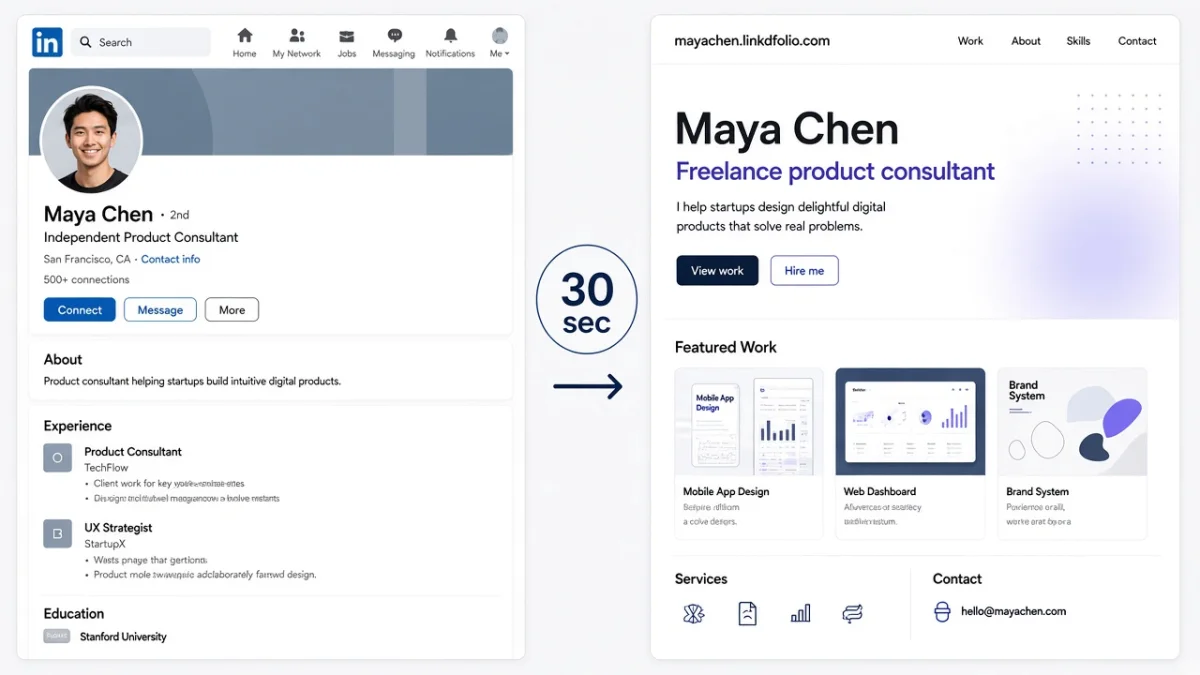
List LinkedIn separately. As the only link on the page, it looks like everyone else’s. A designed destination is easier to remember and share. Deeper split: personal website vs LinkedIn.
When you should (and should not) add it
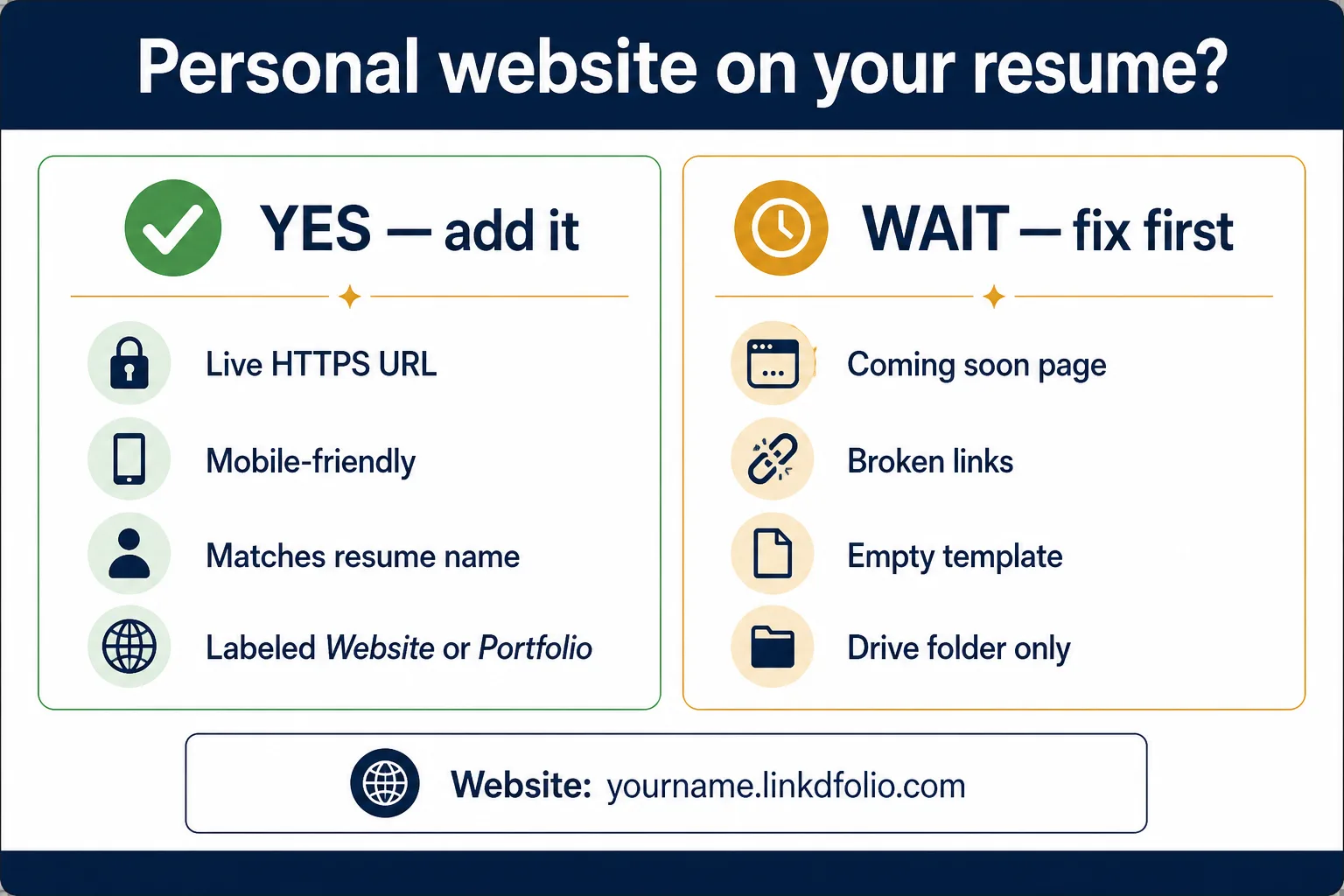
Add a personal website on your resume when
- You are actively applying and want a memorable second surface
- The role values work samples (design, PM, marketing, engineering, writing, research)
- The site is live, mobile-friendly, and name/headline match the resume
- You can keep one short HTTPS URL (custom domain or
yourname.linkdfolio.com)
Skip or wait when
- The page is a blank template, broken links, or “Coming soon”
- The only content is a long bio with no proof of work
- You would rather send a role-specific GitHub/Behance link and you have no site yet (still better than a dead URL)
A weak site on the resume hurts more than no site. Fix it first — or generate a solid draft from LinkedIn the same day.
Where to put a website on your resume
Header / contact block (default)
This is the right place for a website link on resume PDFs:
Alex Rivera
alex@email.com | (555) 010-4400 | Chicago, IL
LinkedIn: linkedin.com/in/alexrivera
Website: alexrivera.linkdfolio.com
Labels that work: Website, Portfolio, or Work samples. Avoid unlabeled “Link” or icon-only URLs with no visible text.
Optional: one line in the summary
Personal site with case studies → alexrivera.linkdfolio.com
Use when the header alone under-sells a project-heavy role.
Do not bury it
Footer-only placement, tiny “click here” text, or long tracking shorteners are easy to miss or fail ATS parsing. Step-by-step ATS rules: portfolio link on resume.
What makes a good resume website URL?
A strong portfolio website for resume applications is short, live, and easy to scan — the same bar as any other proof link.
| Strong | Weak |
|---|---|
| Live HTTPS personal site | Google Drive folder |
Short, readable (name.linkdfolio.com) | 100+ character query strings |
| Matches resume name and recent roles | Out-of-date internship from 2019 only |
| Works on mobile | Desktop-only broken layout |
| Same URL on LinkedIn Featured | Different random links per application |
Best default: a personal website for resume applications you control — built from the LinkedIn profile you already update. Workflow: LinkedIn to website. Tool path: LinkedIn to website generator.
Personal website on resume — examples by role
Student / new grad
Website: yourname.linkdfolio.comProjects, coursework, and internships in one place beat five attachments.
Designer / creative
Portfolio: yourname.linkdfolio.comOptional Behance only if the site already points to your best case studies.
Developer
Website: yourname.linkdfolio.com | GitHub: github.com/yournameLead with the site that explains the work; keep GitHub for code.
Career changer / PM / marketer
Website: case studies + shipped work → yourname.linkdfolio.comTell the reader what they will see before they click.
Create a resume-ready personal website from LinkedIn
You do not need a design weekend to put a personal website on your resume.
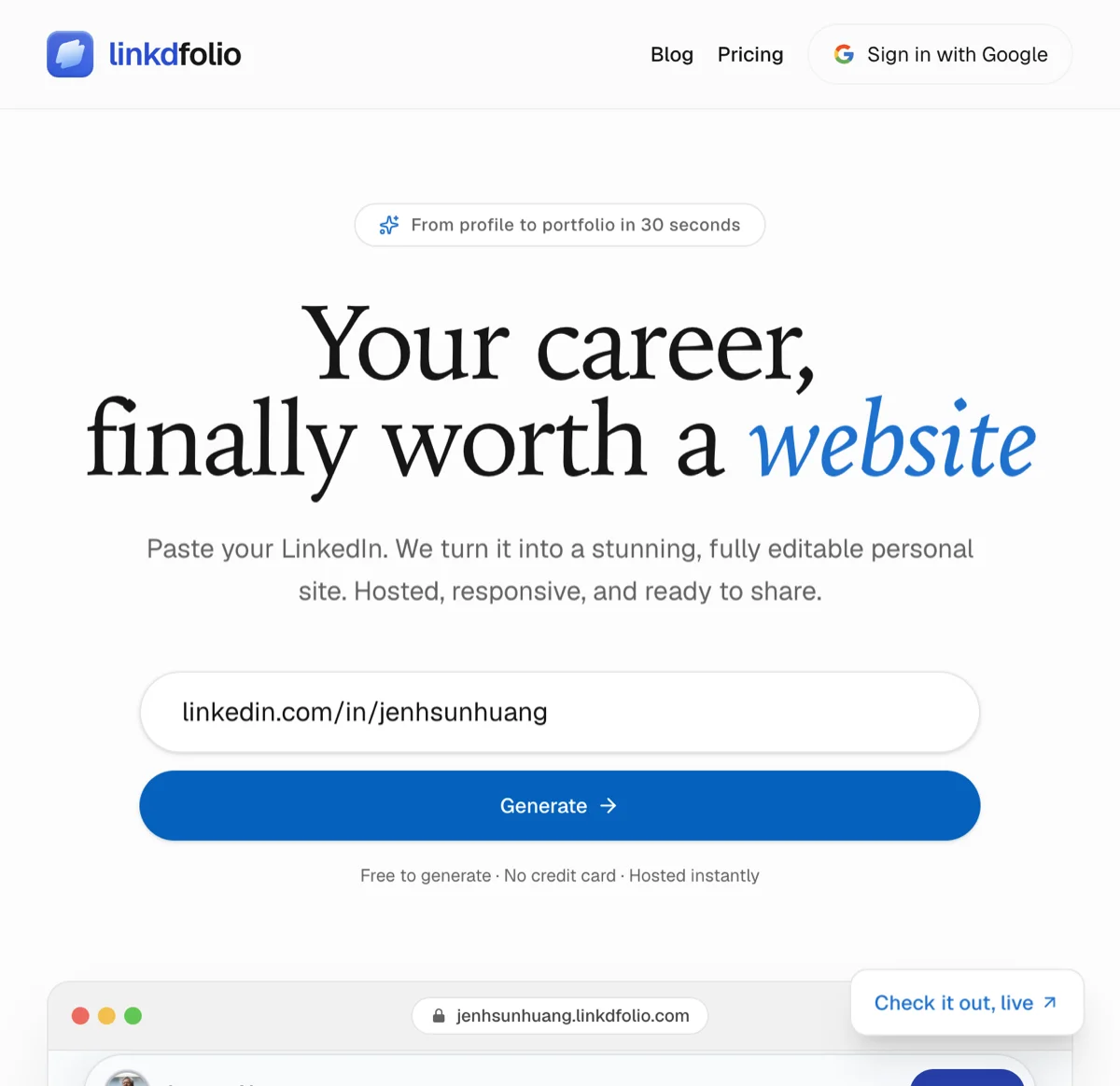
- Generate — Paste your public LinkedIn URL at linkdfolio.com or use the job seekers path.
- Edit — Align headline and projects with the roles you want.
- Publish — Go live on
yourname.linkdfolio.com. - Add to resume — Header line with the readable URL.
- Mirror on LinkedIn — Featured + Contact info. Guide: add a portfolio website to LinkedIn.
Comparing builders? See best resume website builders and best personal website for LinkedIn.
What counts as a personal website on a resume?
On a job application, personal website means a live HTTPS page that is yours — not LinkedIn, not a shared Drive folder, not an unfinished Notion doc. Recruiters use it as proof after they like the PDF.
| Label on the resume | Use it when | Avoid when |
|---|---|---|
| Website | One personal URL that represents you | The page is a company marketing site |
| Portfolio | The destination is work samples | You only have a bio and no projects |
| GitHub / Behance | The role is code or visual craft | You would rather hide WIP repos |
Portfolio link meaning here is the same job as a personal website: the URL you want opened after the seven-second scan. If you are formatting for ATS (plain-text URL, header placement), use how to add a portfolio link to your resume. This page is the yes/no and labeling decision.
A LinkedIn profile URL does not count as a personal website on a resume. List LinkedIn on its own line. If you only have linkedin.com/in/you today, publish a destination first — LinkedIn to website — then add that URL to the header.
Keep the same URL on LinkedIn Featured so the PDF and the profile do not tell two stories. Pin strategy: what to pin in LinkedIn Featured.
If the site is a yourname.linkdfolio.com subdomain, put the readable host on the resume — not a QR code as the only path, and not a link-in-bio hop. Recruiters forward URLs. They do not scan codes from a printed PDF in an ATS.
Checklist before you apply
- Site is live and mobile-friendly
- Personal website on resume header is labeled (
Website/Portfolio) - Readable HTTPS URL is visible (ATS-safe)
- Name and headline match the PDF
- Same URL on LinkedIn Featured and Contact info
- Clicked the PDF link on a phone before sending
FAQ
Should I put my website on my resume if I am not a designer?
Yes, if you have proof worth showing — projects, writing, analysis, campaigns, research. A short personal site helps PMs, marketers, analysts, and career changers as much as designers.
Is a personal website better than LinkedIn on a resume?
List both. LinkedIn is the network profile; the website on resume is the designed proof page. Do not replace LinkedIn with a dead site.
What if recruiters only care about the PDF?
They still parse the PDF for ATS — and many still click a clean URL when they like a candidate. The site complements the resume; it does not replace it.
Can I use my GitHub or Behance instead?
Yes for role-specific proof. A personal site that organizes those links is usually clearer on a resume than three raw platform URLs.
I do not have a website yet — what should I put?
Publish one from LinkedIn first, then add it. Linkdfolio gives you a draft you can host and put on applications the same day. Students: student portfolio website from LinkedIn.
Next steps
A personal website on your resume only works if the destination is real. Build the URL, then place it where recruiters already look.
- Create a website for your resume →
- Or start with the portfolio website builder →
- Add
Website:to your resume header using the format above. - Pin the same link on LinkedIn so every channel matches.
Also useful: portfolio link on resume for ATS formatting detail. More on the Linkdfolio blog.