Linkdfolio Team
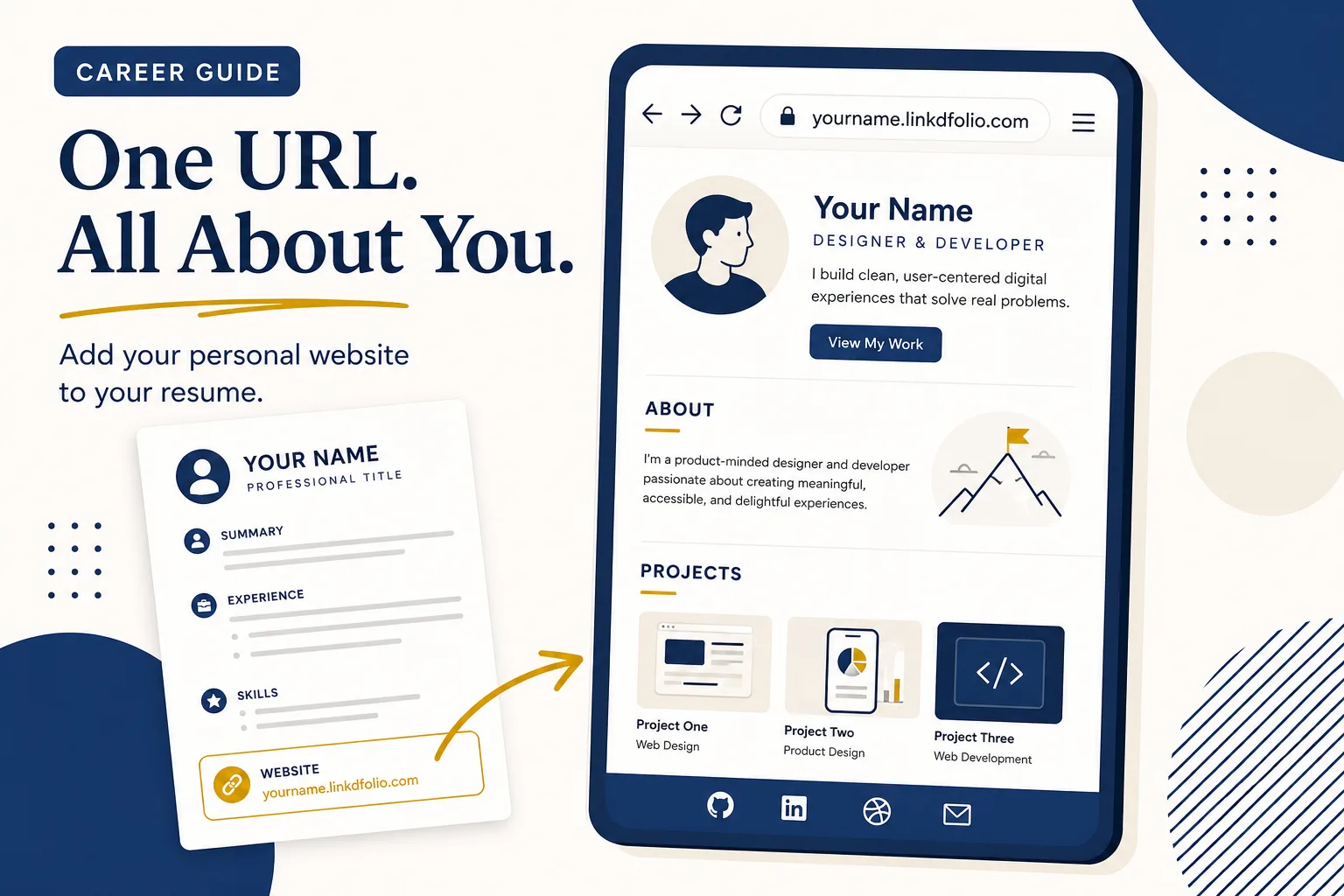
A portfolio link on your resume is the fastest way to turn a skimmed PDF into a click. Recruiters and hiring managers still need the resume for ATS parsing — but a clean URL in the header is what lets them open your work, forward it to a teammate, and remember you after the seven-second scan.
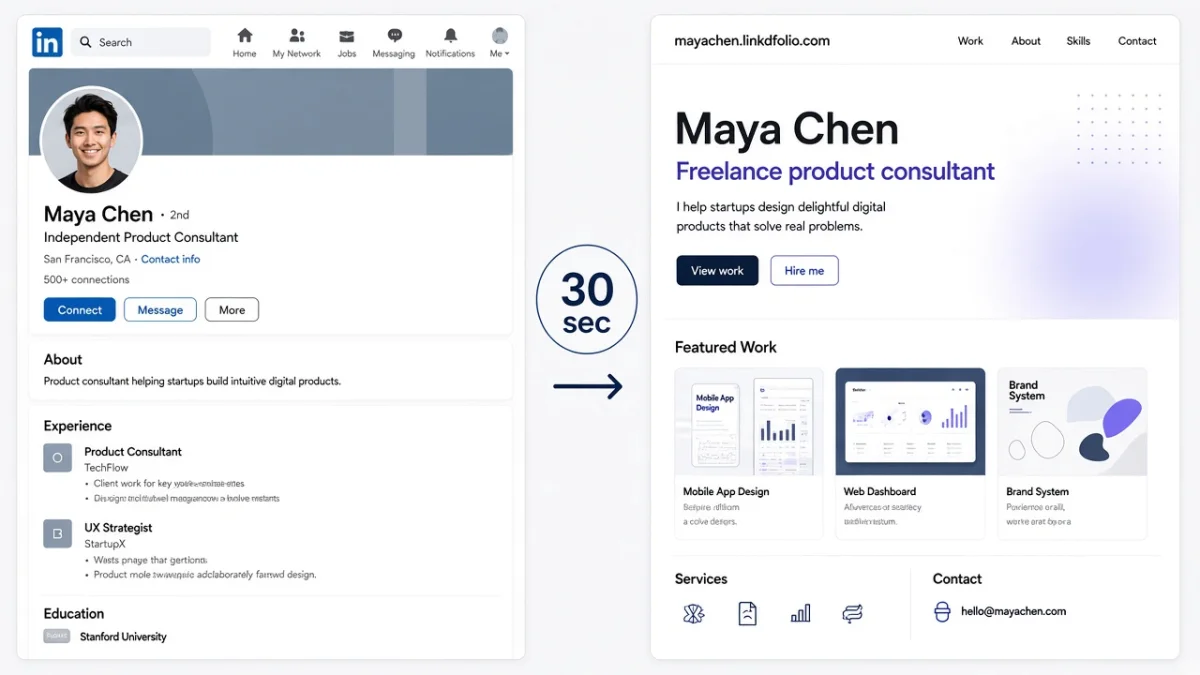
This guide shows how to add a portfolio link to your resume: where to put it, how to label it for ATS and humans, what URL to use, examples by role, and how to create a live link from your LinkedIn profile in about thirty seconds with Linkdfolio. If you are still deciding whether you need a site at all, start with personal website for job seekers.
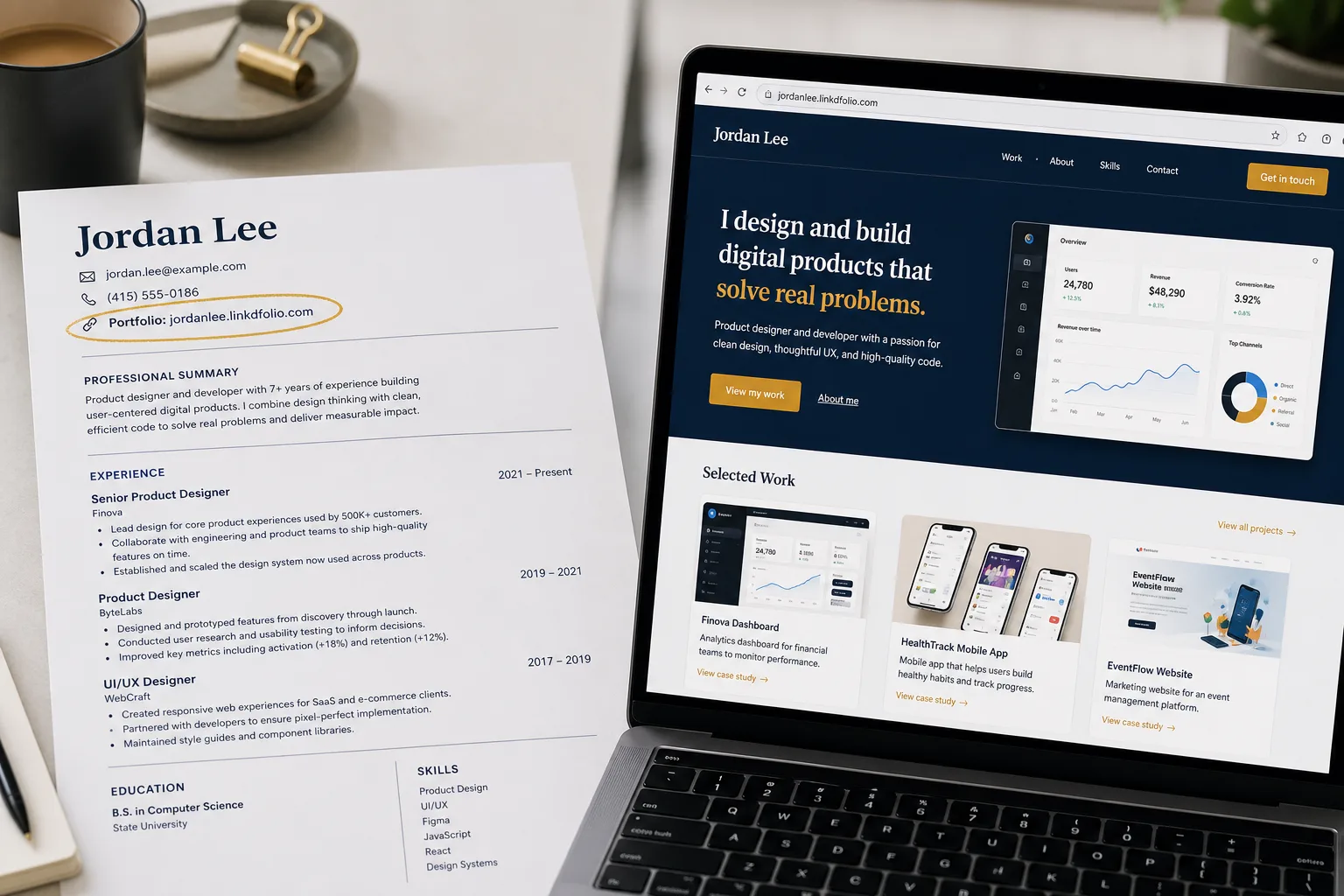
Quick answer: Put Portfolio: https://yourname.linkdfolio.com in your resume header next to email and LinkedIn. Use a live HTTPS URL (not a Drive folder). Show the readable URL as plain text so ATS can parse it. Then use the same link on LinkedIn Featured and Contact info.
What is a portfolio link?
A portfolio link is a live URL that shows proof of your work — projects, case studies, writing samples, GitHub demos, or a personal site — instead of only describing that work in bullets.
Portfolio link meaning in job applications: it is the destination you want a recruiter to open after they like your resume. It is not your LinkedIn profile URL (that belongs in its own field), and it is not a PDF attachment buried in email.
Common portfolio links include:
- A personal website (
yourname.linkdfolio.comoryourname.com) - A curated platform (Behance, Dribbble, Contently)
- A developer profile with pinned work (GitHub)
- A single flagship case-study page
For most students and job seekers, one clean personal-site URL beats three scattered platform links.
Why your resume needs a portfolio link
Recruiters skim — then they click
Your resume gets seconds. A resume portfolio link in the header survives that skim. A buried “available upon request” line does not.
ATS still wants a PDF
Application portals parse PDFs and DOCX files. Keep sending those. Your portfolio link for resume applications complements the file — it does not replace it.
LinkedIn alone is not the best resume URL
linkedin.com/in/you is fine as a LinkedIn field. As the only “portfolio” on a resume, it looks like everyone else. A designed destination — especially one built from the profile you already maintain — is easier to remember and forward. Deeper split: personal website vs LinkedIn.
Where to put a portfolio link on your resume
1. Header / contact line (primary)
This is the default answer to where to put a portfolio link on a resume.
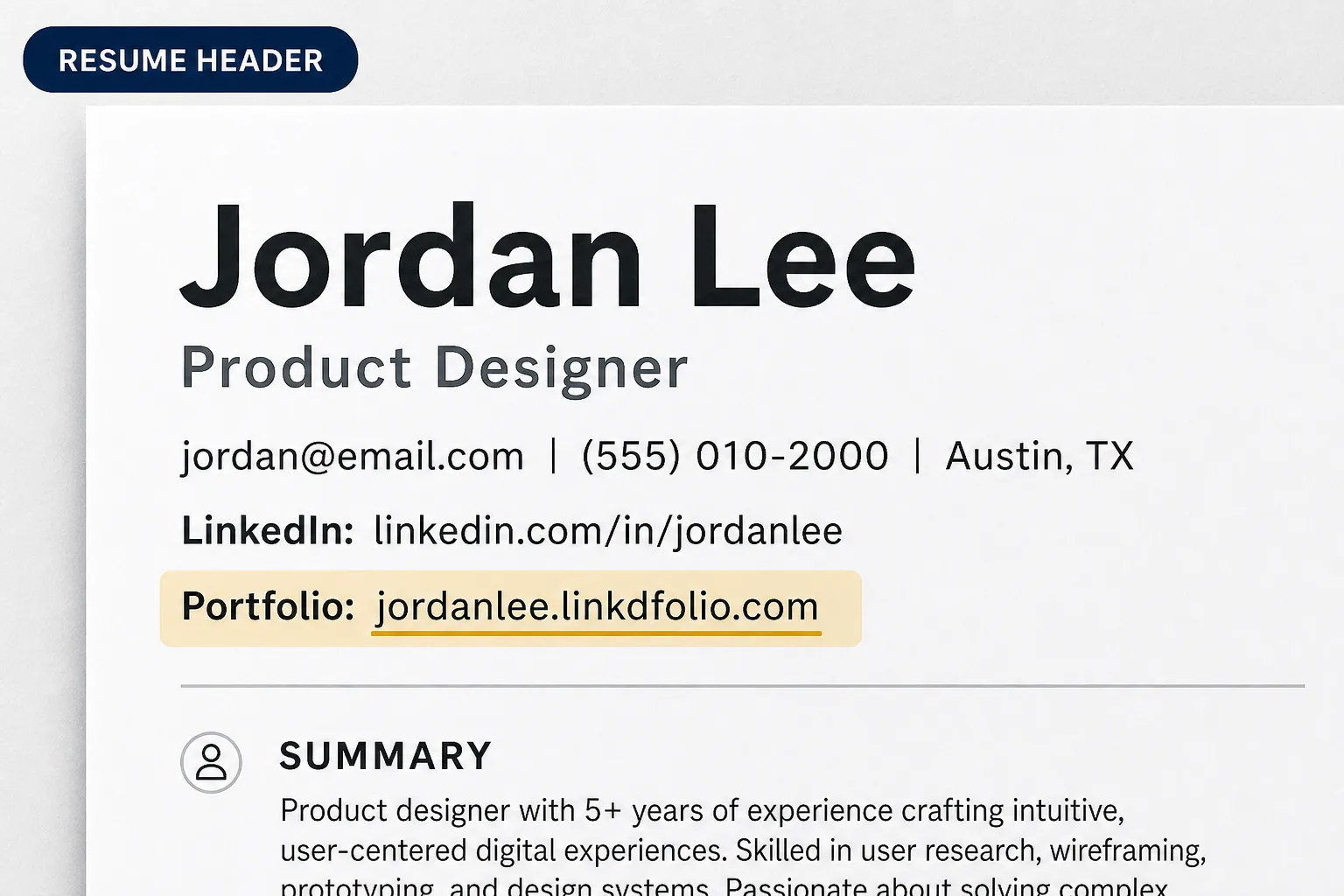
Place it with email, phone, and LinkedIn:
Jordan Lee
jordan@email.com | (555) 010-2000 | Austin, TX
LinkedIn: linkedin.com/in/jordanlee
Portfolio: yourname.linkdfolio.com
Recruiters already look here. Keep the label clear: Portfolio, Website, or Work samples — not a vague “Link.”
2. Professional summary (optional hook)
If your work is visual or project-heavy, add one line:
Portfolio: product case studies and live demos → yourname.linkdfolio.com
Use this when the header alone feels thin for creative or PM roles.
3. Experience or projects bullets (sparingly)
Link a specific case study after a quantified win — only in digital PDFs, and only once or twice so the page stays scannable.
Where not to hide it
- Footer-only (easy to miss on page 1)
- Tiny “here” hyperlinks with no visible URL
- Long tracking URLs or random shorteners you do not control
How to add a portfolio link to your resume (step by step)
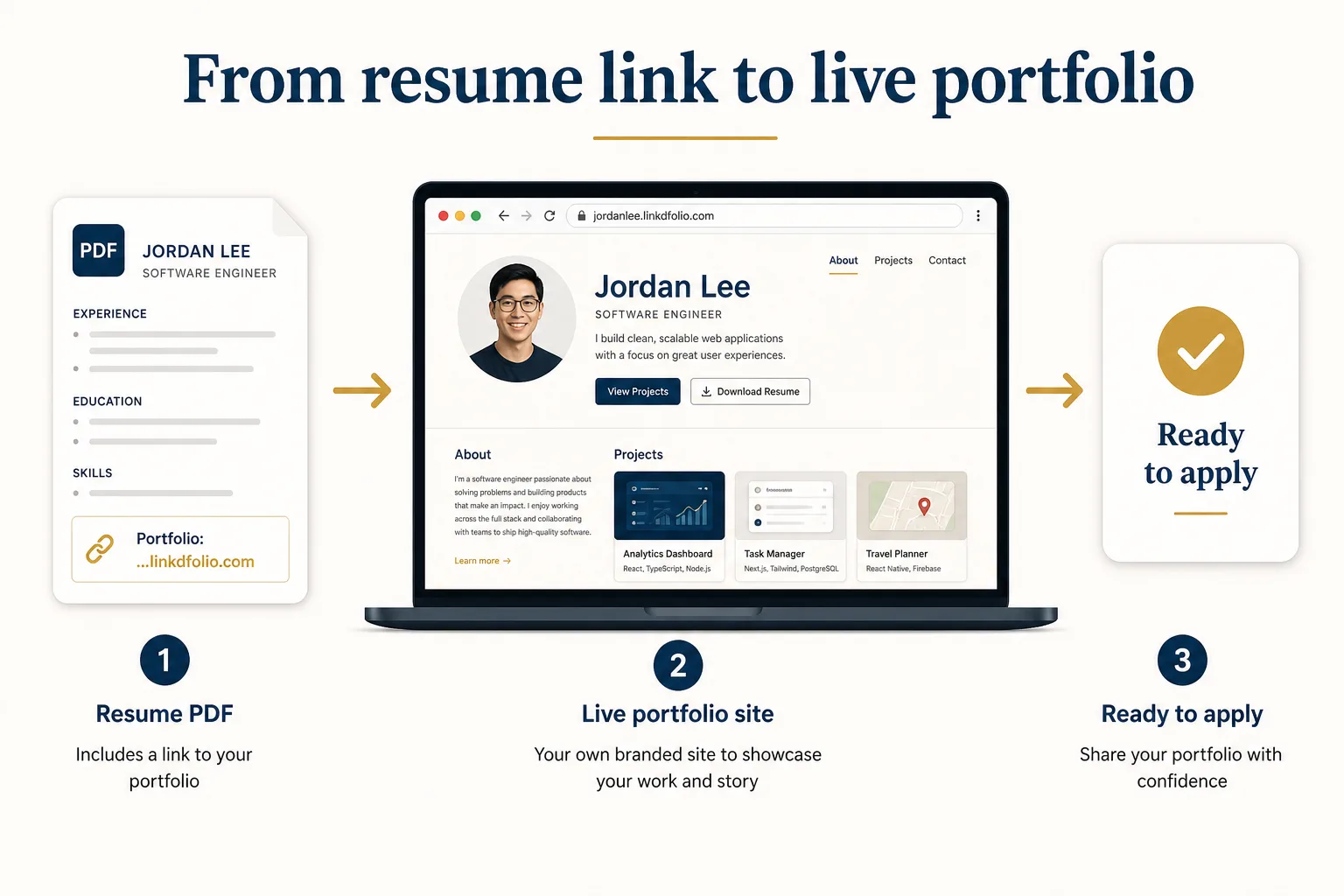
- Publish a live URL that loads on mobile and shows who you are above the fold.
- Open your resume (Google Docs, Word, or your builder).
- Edit the contact / header block at the top.
- Add a labeled line:
Portfolio: yourname.linkdfolio.com - Show the readable URL as text. Hyperlink it for humans, but keep the text visible for ATS that strip clickable links.
- Export PDF and click the link from Preview / a phone before you apply.
- Mirror the same URL on LinkedIn Featured and Contact info so every channel matches. Placement guide: add a portfolio website to LinkedIn.
ATS-safe formatting rules
Applicant tracking systems generally handle portfolio URLs in the contact section when you follow a few rules:
| Do | Don't |
|---|---|
| Use a short HTTPS URL | Paste a 120-character query string |
Label it Portfolio or Website | Hide the only URL behind the word “here” |
| Keep the URL as visible text | Rely on a logo icon with no text URL |
| Put it in the header | Bury it only in a footer graphic |
| Test the PDF on mobile | Assume the hyperlink survived export |
If a portal asks for “website” or “portfolio URL” in a separate form field, paste the same URL there. Consistency beats cleverness.
What URL should you use?
Best: a live personal site you control — https://yourname.linkdfolio.com or your own domain. That is the strongest form of a personal website on resume — one URL that proves your work.
Good when role-specific: GitHub (developers), Behance/Dribbble (designers), a writing clip page (writers).
Avoid: Google Drive folders, “untitled” Notion pages, expired free trials, or a LinkedIn profile used as a fake portfolio link.
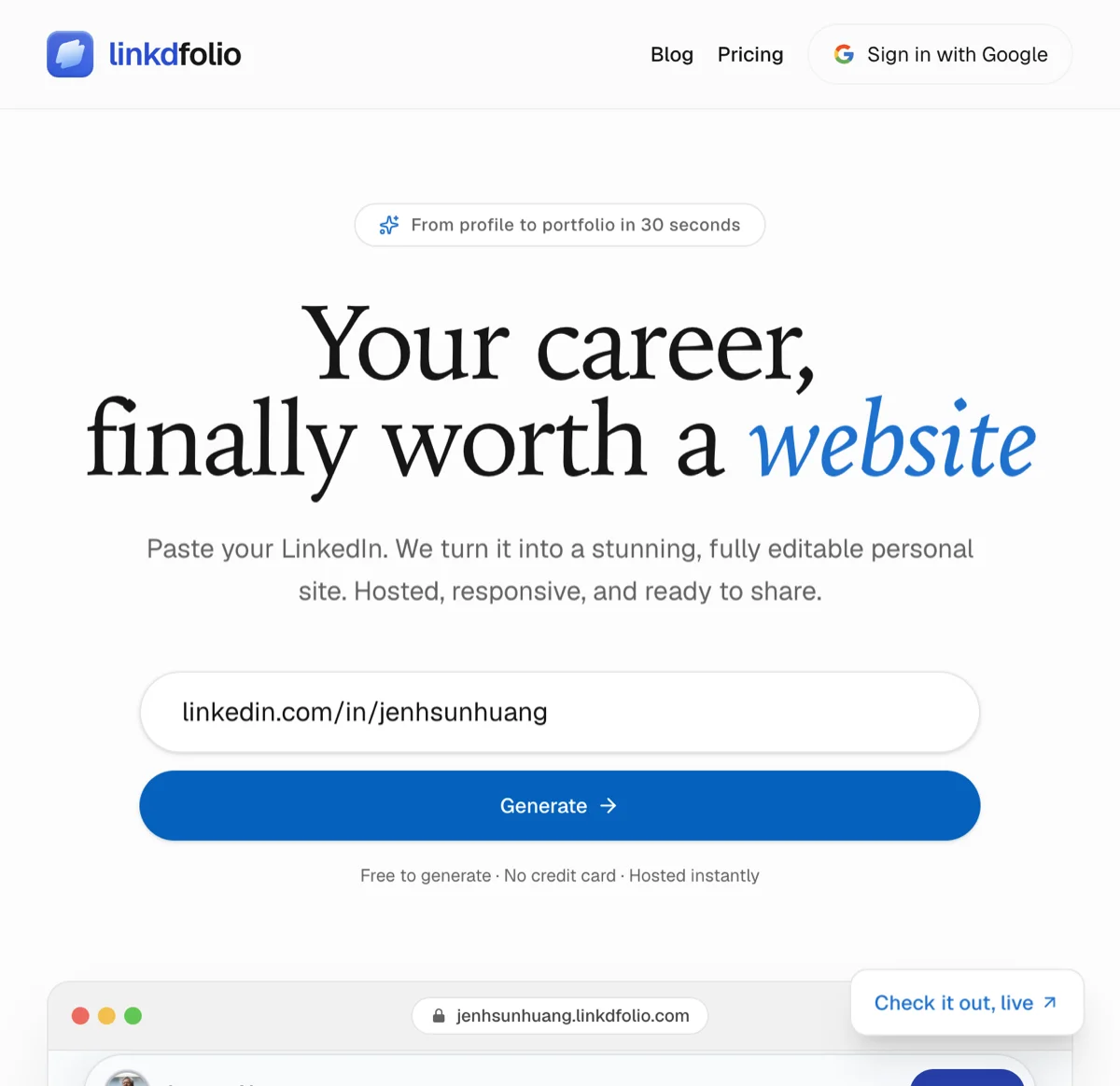
If you do not have a site yet, create one from LinkedIn instead of starting from a blank builder. Full workflow: LinkedIn to website. Tool path: LinkedIn to website generator.
Portfolio link examples (copy and adapt)
Student / new grad
Portfolio: yourname.linkdfolio.comOne site with internships, projects, and coursework beats five class PDFs.
Designer
Portfolio: yourname.linkdfolio.comOptional second line for Behance only if the site already points to your best case studies.
Developer
Portfolio: yourname.linkdfolio.com | GitHub: github.com/yournameLead with the site; keep GitHub as proof of code.
Career changer / PM / marketer
Portfolio: case studies + shipped work → yourname.linkdfolio.comThe short hook tells the reader what they will see.
Create your portfolio link from LinkedIn (5 minutes)
You do not need a design weekend to ship a portfolio link for resume applications.
- Generate — Paste your public LinkedIn URL at linkdfolio.com or use the job seekers path.
- Edit — Align headline and sections with the role you want.
- Publish — Go live on
yourname.linkdfolio.com. - Add to resume — Header line with the readable URL.
- Add to LinkedIn — Featured + Contact info so the story matches.
Compare builders if you are evaluating options: best resume website builders and best personal website for LinkedIn.
Checklist before you hit Apply
Before you apply, confirm the portfolio link on resume matches LinkedIn Featured and any “website” form fields.
- Portfolio link is in the resume header
- Label is clear (
Portfolio/Website) - URL is HTTPS, short, and loads on mobile
- Visible URL text is present (ATS-safe)
- Site matches resume name, headline, and recent roles
- Same URL on LinkedIn Featured and Contact info
- Clicked and tested in an incognito window
FAQ
What should I put for “portfolio link” on a job application?
A live HTTPS URL to your best proof of work — ideally a personal site. If the form allows only one link and you are a developer, prefer the site that explains your work; add GitHub in the resume header if there is room.
Is LinkedIn a portfolio link?
No. LinkedIn is a profile network. A portfolio link should open proof (site, case studies, or curated samples). You can — and should — list LinkedIn separately.
Do I need a portfolio link if I am not a designer?
Often yes. PMs, marketers, analysts, writers, and career changers benefit from a short site of projects and outcomes. If the role asks for work samples, a URL beats “available upon request.”
Can ATS read my portfolio URL?
Usually, when it sits in the contact section as plain, well-formed text. Keep the readable URL visible even if you also hyperlink it.
What if I do not have a portfolio yet?
Start from LinkedIn. Linkdfolio structures your experience into a first draft you can publish and put on your resume the same day. Students: see student portfolio website from LinkedIn.
Next steps
Your resume already lists your experience. A portfolio link on your resume is how you prove it in one click.
- Create your portfolio from LinkedIn →
- Add the URL to your resume header using the format above.
- Pin the same link on LinkedIn so every channel matches.
Prefer the conversion flow? Use the LinkedIn to website generator or the portfolio website builder. More guides on the Linkdfolio blog.